





Audit report for
notion.so
Last audited on Jul 2, 2026
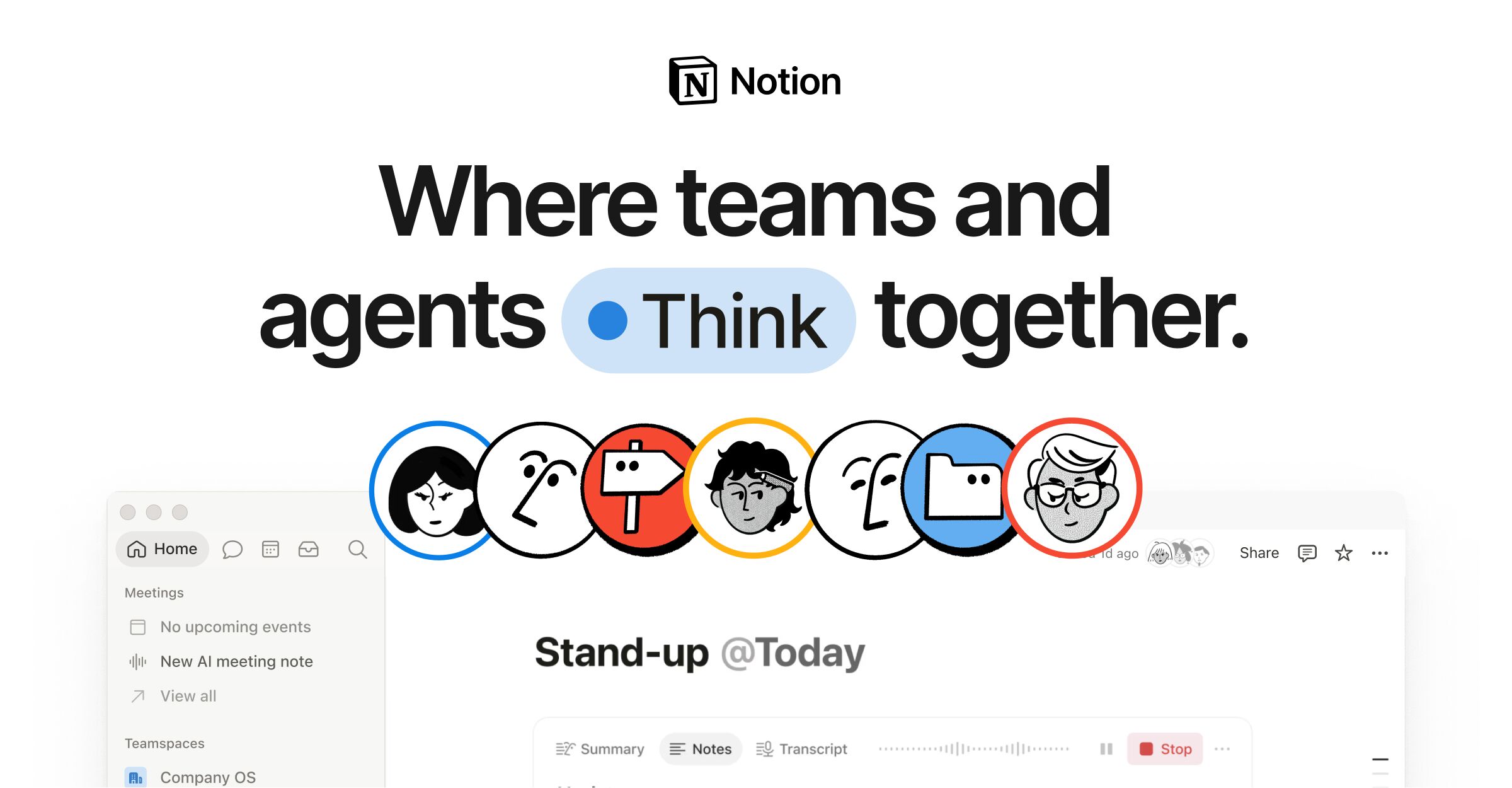
Notion has significant performance and AI readiness improvements to make
Notion scores well in SEO and accessibility but has major performance issues with slow LCP and high TBT. AI readiness is moderate with no structured data for search engines or AI models.
Score profile
Category insights
Performance metrics
Marketing readiness
Web analytics
Missing
Advertising pixel
Missing
Live chat
Missing
Blog or content
Present
Pricing page
Present
Email capture
Missing
AI crawler access
ChatGPT
Allowed
Claude
Allowed
Perplexity
Allowed
Gemini
Allowed
Common Crawl
Allowed
llms.txt
Present
Structured data
Missing
 Instagram
Compare with competitors
Recommendations
28 issues foundHighAvoid multiple page redirects
Est savings of 2,010 ms
Medium effort
Avoid multiple page redirects
Est savings of 2,010 ms
How to fix
Review and remove unnecessary redirects. Use server-side configuration to handle redirects efficiently. Ensure all internal links point directly to the final destination.
Impact
Reduce page load time by 2 seconds
HighReduce unused JavaScript
Est savings of 1,474 KiB
High effort
Reduce unused JavaScript
Est savings of 1,474 KiB
How to fix
Implement code splitting and tree shaking to eliminate unused JavaScript. Use dynamic imports for non-critical modules. Audit and remove third-party scripts that are not essential.
Impact
Reduce payload by 1.47 MB
HighImprove image delivery
Est savings of 243 KiB
Medium effort
Improve image delivery
Est savings of 243 KiB
How to fix
Convert images to next-gen formats like WebP or AVIF. Implement responsive images using srcset and sizes attributes. Optimize image compression and use lazy loading for off-screen images.
Impact
Reduce image payload by 243 KB
HighUse efficient cache lifetimes
Est savings of 348 KiB
Low effort
Use efficient cache lifetimes
Est savings of 348 KiB
How to fix
Configure HTTP caching headers for static assets. Set long cache durations for resources that do not change frequently. Use cache busting techniques for versioned assets.
Impact
Reduce redundant downloads by 348 KB
HighMinimize main-thread work
10.3 s
High effort
Minimize main-thread work
10.3 s
How to fix
Defer non-critical JavaScript and CSS. Use Web Workers for heavy computations. Prioritize critical rendering path and avoid long-running tasks on the main thread.
Impact
Reduce main-thread work by 10.3 seconds
HighReduce JavaScript execution time
4.7 s
High effort
Reduce JavaScript execution time
4.7 s
How to fix
Profile JavaScript execution using Chrome DevTools. Remove or optimize heavy functions. Implement lazy loading for non-essential features and use asynchronous loading where possible.
Impact
Reduce JavaScript execution time by 4.7 seconds
HighRender-blocking requests
Est savings of 1,440 ms
Medium effort
Render-blocking requests
Est savings of 1,440 ms
How to fix
Identify and defer render-blocking resources. Use async or defer attributes for scripts. Inline critical CSS and load non-critical CSS asynchronously.
Impact
Reduce render-blocking time by 1.44 seconds
MediumAdd structured data for AI and search engines
No structured data (JSON-LD) for AI and search engines
Medium effort
Add structured data for AI and search engines
No structured data (JSON-LD) for AI and search engines
How to fix
Implement JSON-LD structured data for key content types such as articles, products, and organizations. Use schema.org vocabulary to enhance AI model understanding and search engine visibility.
Impact
Improve AI model understanding and search engine visibility
MediumEnable web analytics for user tracking
No web analytics detected, so visitors cannot be measured
Low effort
Enable web analytics for user tracking
No web analytics detected, so visitors cannot be measured
How to fix
Integrate a web analytics platform such as Google Analytics or Mixpanel. Track user behavior, session duration, and conversion rates to inform AI model training and business decisions.
Impact
Enable visitor measurement and user behavior analysis
MediumAdd advertising pixels for retargeting
No advertising pixel detected, so visitors cannot be retargeted
Low effort
Add advertising pixels for retargeting
No advertising pixel detected, so visitors cannot be retargeted
How to fix
Implement retargeting pixels from platforms like Facebook, Google Ads, or LinkedIn. Use these pixels to track user interactions and serve targeted ads to returning visitors.
Impact
Enable retargeting and improve ad campaign effectiveness
MediumFix browser console errors
Browser errors were logged to the console
Medium effort
Fix browser console errors
Browser errors were logged to the console
How to fix
Audit and fix JavaScript errors logged in the browser console. Use error handling and logging to identify and resolve issues proactively.
Impact
Improve stability and user experience
MediumAdd source maps for large JavaScript files
Missing source maps for large first-party JavaScript
Low effort
Add source maps for large JavaScript files
Missing source maps for large first-party JavaScript
How to fix
Generate and deploy source maps for large JavaScript bundles. This enables better debugging and performance analysis during development and production.
Impact
Improve developer productivity and debugging efficiency
MediumEnsure sufficient color contrast ratio
Background and foreground colors do not have a sufficient contrast ratio
Low effort
Ensure sufficient color contrast ratio
Background and foreground colors do not have a sufficient contrast ratio
How to fix
Audit and adjust color contrast ratios to meet WCAG AA or AAA standards. Use tools like Contrast Checker to validate and improve accessibility.
Impact
Improve accessibility and user experience for visually impaired users
MediumEnsure lists contain only <li> elements
Lists do not contain only `<li>` elements and script supporting elements (`<script>` and `<template>`)
Low effort
Ensure lists contain only <li> elements
Lists do not contain only `<li>` elements and script supporting elements (`<script>` and `<template>`)
How to fix
Validate and correct list structures to ensure they contain only <li> elements. Remove any non-list elements such as <script> or <template> from list containers.
Impact
Improve screen reader compatibility and semantic HTML structure